Organize Your Files So Anyone Can Find Them
Sooner or later someone writes: “Can you send a photo and your logo? We need it today.” If answering takes an hour of searching, the identity exists only in your head. This step gives everything a permanent address.
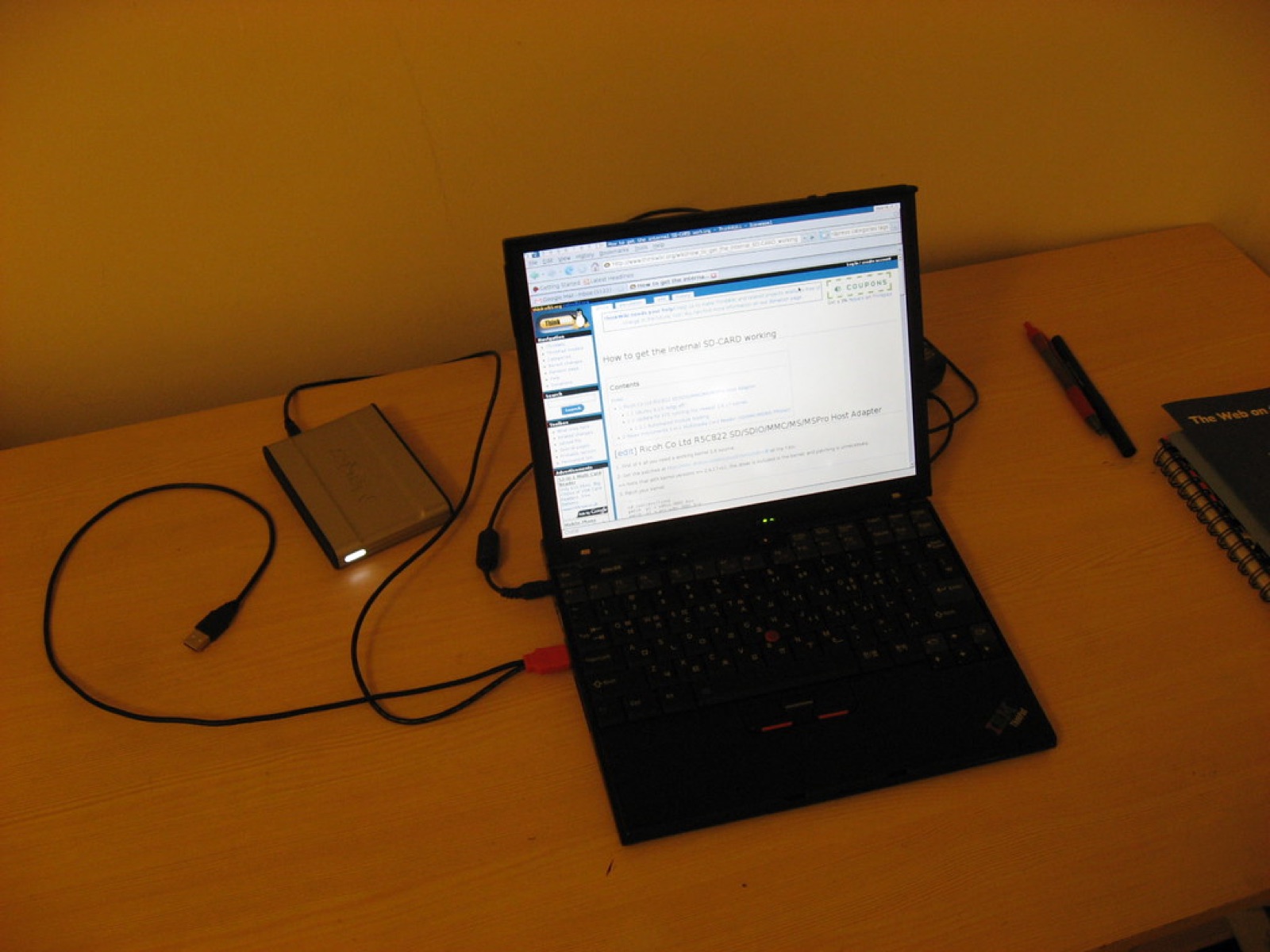 Photo: “My X40 with new hard drive” by Kai Hendry, CC BY 2.0.
One structure
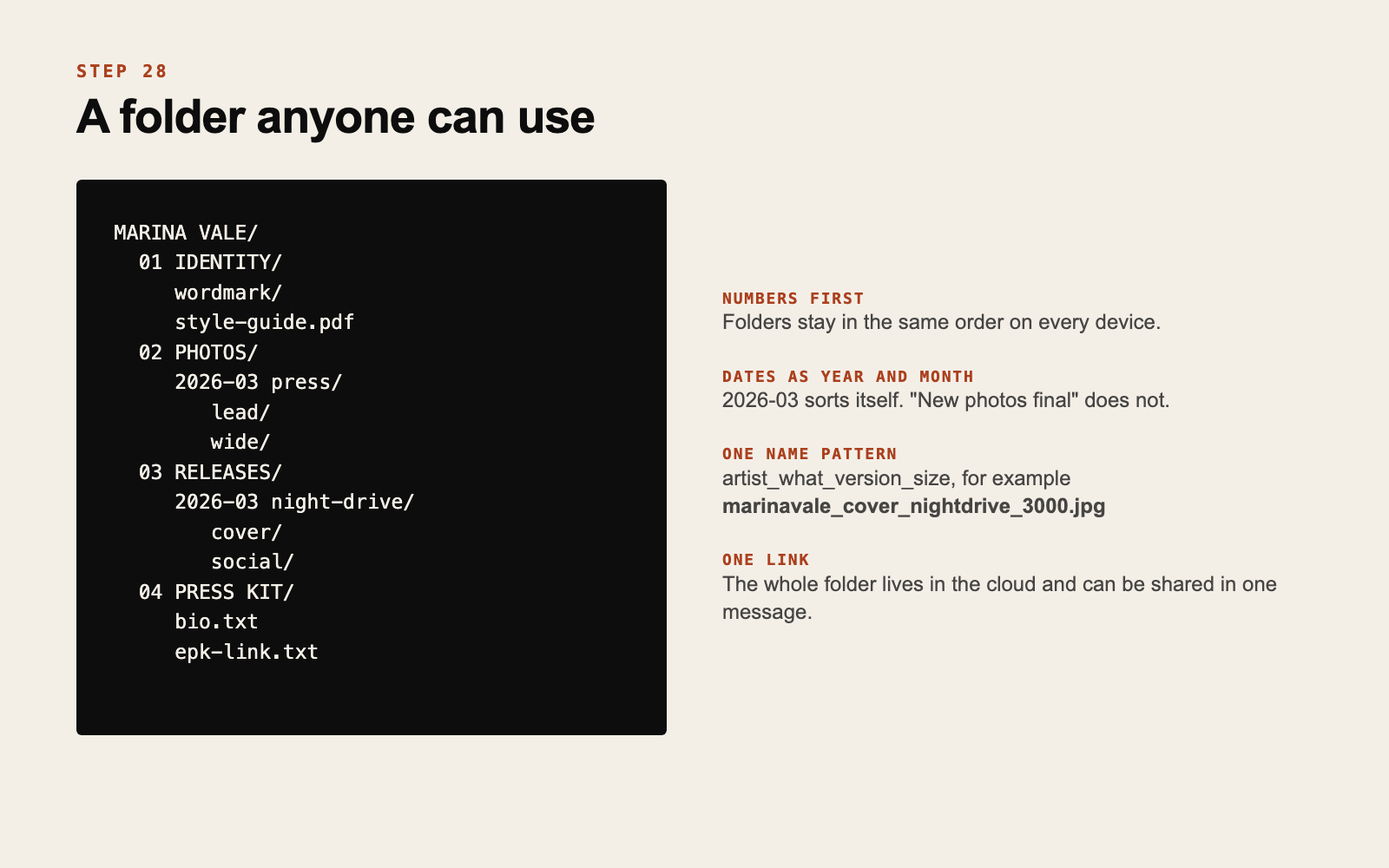
Four top folders are enough for most projects:
- 01 IDENTITY: wordmark files, typefaces with licenses, the style guide, templates
- 02 PHOTOS: one folder per session, each with the sorted subfolders from step 14
- 03 RELEASES: one folder per release, with cover, all formats from step 18, and social graphics
- 04 PRESS KIT: bios in three lengths, the current lead photos, links
Numbers in front keep folders in the same order on every device.
Name files so they explain themselves
A file will travel alone, as an email attachment or a download. Its name should say what it is without the folder around it.
Use one pattern: artist, what, version, size. For example marinavale_cover_nightdrive_3000.jpg or marinavale_wordmark_light.png.
A few habits that prevent trouble:
- Dates as year and month first (
2026-03), so they sort correctly - No spaces or accents, which break on some systems
- Never “final”. Use v1, v2, v3. There is always another final.
If a stranger could find the right file from its name alone, the system works.
Keep originals and exports apart
Inside each folder, separate the editable source files from the exported ones people actually receive. When someone asks for the cover, you send from “export” and never the layered working file.
Put it in the cloud, and back it up
Store the whole structure in a cloud service, so you can share one folder or one file with a link from your phone, in the middle of a soundcheck if needed.
Then keep a second copy somewhere else: an external drive or a second service. Photo shoots and artwork are expensive to recreate, and drives fail without warning.
Make a “send this” folder
Inside the press kit folder, keep a small set that answers 90 percent of requests: lead photo, wide photo, wordmark in dark and light, short bio. Share its link once and reuse it forever.
Do this now
Create the four folders, move your current wordmark, photos and latest cover into place, and rename the ten files you send most often.
Every identity we deliver comes in an organized folder, with all files and formats ready to use. See how we work.
If this is something your project needs, get in touch.
Get new posts by email
Ideas for independent artists. We will send a confirmation email. If you do not see it, check your spam folder.