One Release, Many Formats
A release needs the same artwork in several shapes: square, vertical, wide. Stretching or cropping the cover at the last minute is how identities fall apart. This step sets up one master file that adapts cleanly.
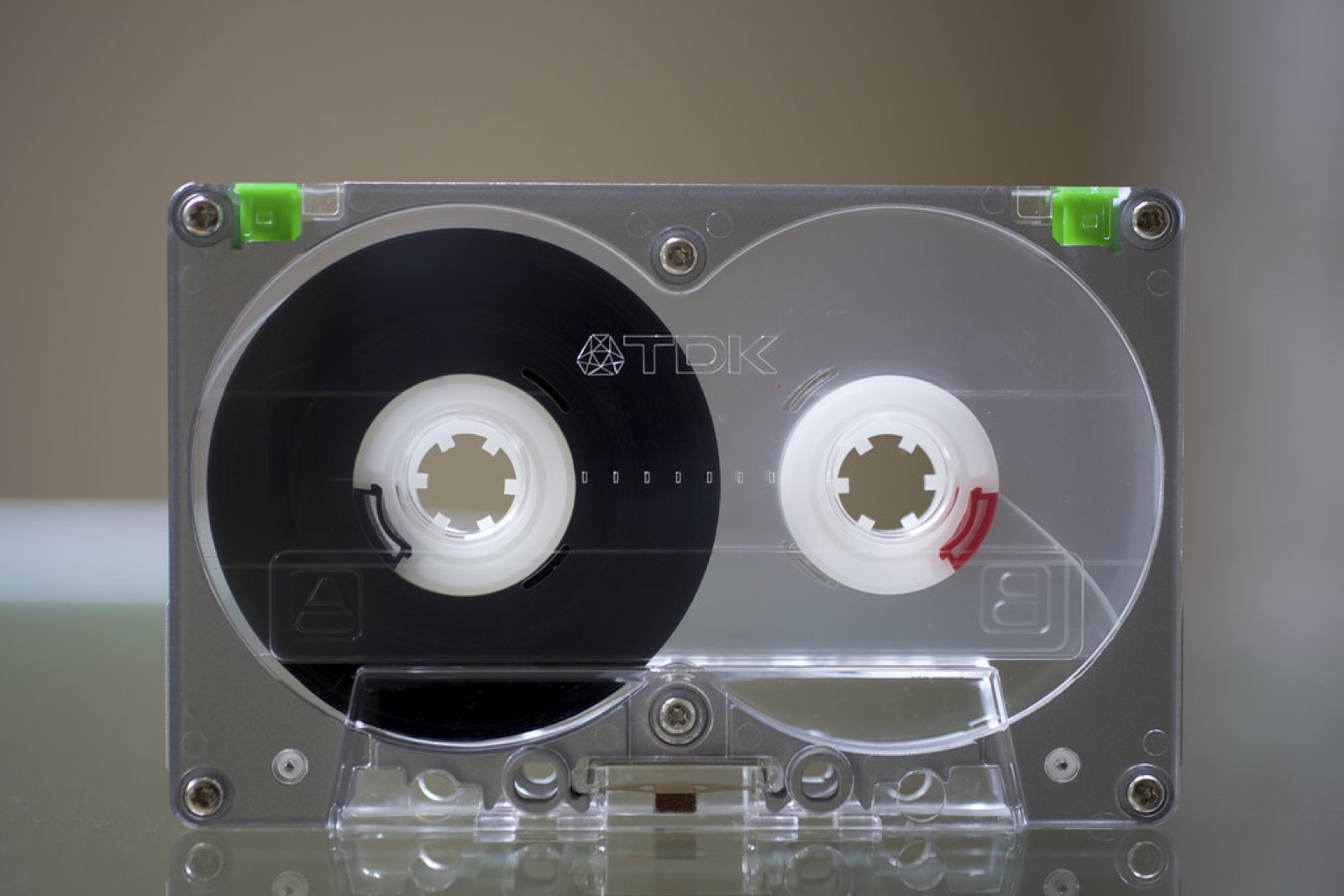 Photo: “Heavy Metal: TDK MA-R90 Cassette Tape” by Schill, CC BY 2.0.
The shapes you will need
- Square (1:1): cover art, some feed posts
- Portrait (4:5): feed posts, which take up more screen than a square
- Vertical (9:16): stories, short video, the looping visuals some streaming apps show while a track plays
- Wide (16:9): video thumbnails, banners, article headers
- Print: posters and flyers, usually in standard paper sizes
Exact pixel sizes change and every platform publishes its own. Check the current specs when you export. The shapes stay the same.
Build one master with room around it
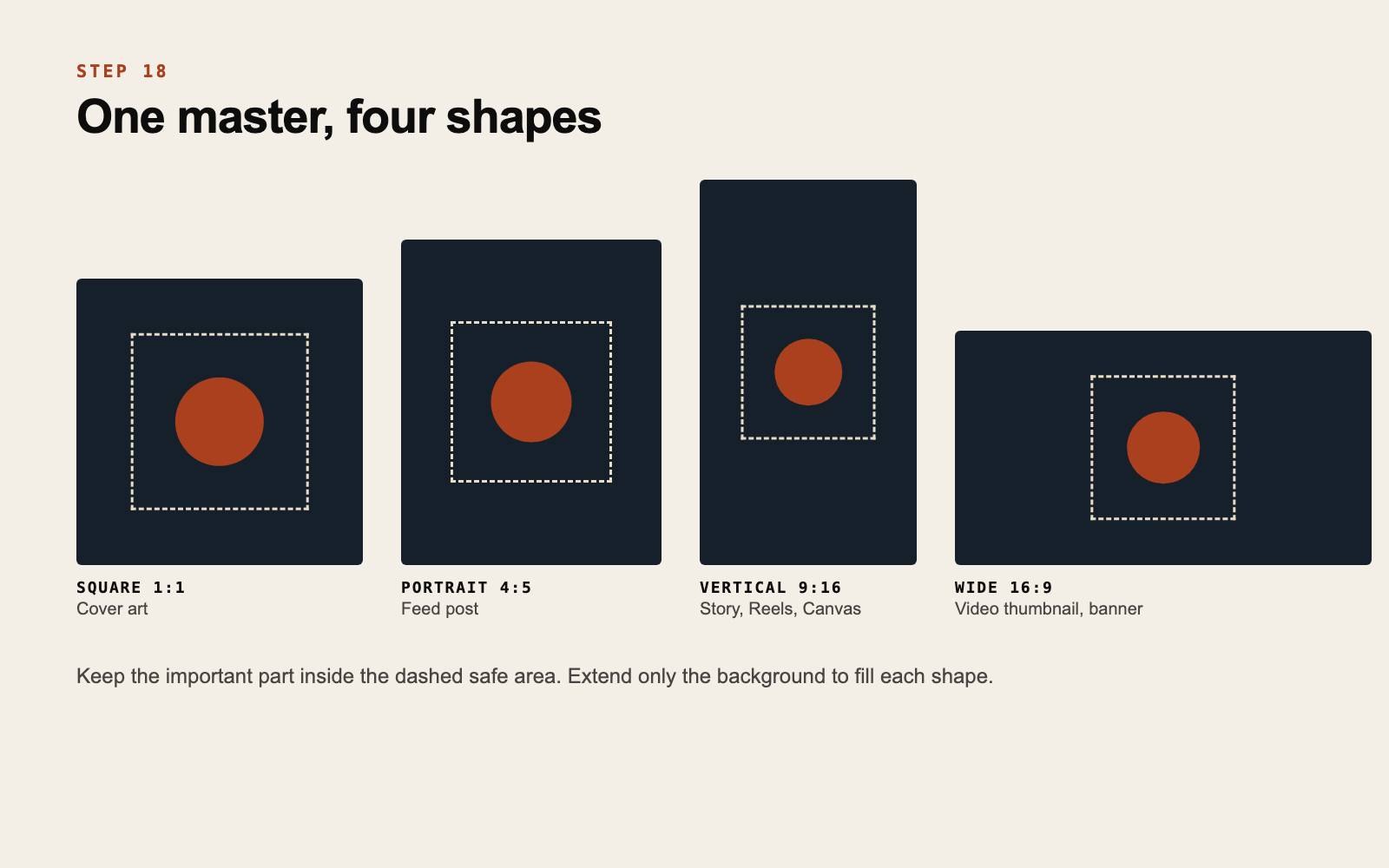
Design the artwork on a canvas larger than the square, with the main element in the middle and background extending in all directions. Then every shape is a different window onto the same image.
Two rules make this work:
- A safe area. Mark a central zone where the important part lives. It must fit inside the narrowest shape you need.
- Background that can extend. Texture, color or the edges of a photo that continue past the square. If your photo has no spare room, extend it with a flat color from your palette or a blurred copy of itself.
Design the middle carefully and let only the background change from one shape to the next.
What moves and what stays
In each shape, the main element keeps its proportion and stays in the safe area. Text may move: below the image in a vertical, beside it in a wide.
Never stretch the artwork to fill a shape. A distorted cover is noticed instantly, even by people who could not say why.
Remember the interface
Vertical formats have app buttons and captions on top of the image, mostly at the top and bottom. Keep those zones free of anything essential.
Export once, name clearly
Export every shape in one sitting and name the files by release and shape, for example nightdrive_cover_1x1.jpg and nightdrive_story_9x16.jpg. When a venue asks for “something horizontal”, you will have it.
Do this now
Open your latest cover and try to make a clean 9:16 and a 16:9 from it. If you cannot without cropping the main element, rebuild the master with more room.
We deliver release artwork in every shape a campaign needs, from one master. See how.
If this is something your project needs, get in touch.
Get new posts by email
Ideas for independent artists. We will send a confirmation email. If you do not see it, check your spam folder.